Field · check-in and check-out on the phone
Two screens. Fingers covered in mortar, bad signal.
Check-in when the crew arrives, check-out on what got done: the field logs it on the phone, no spreadsheet. And whoever goes through the turnstile doesn't count toward the bill.
One person on the engineering team, one project and five people in the field, free, no credit card · unlimited field crew on every paid plan
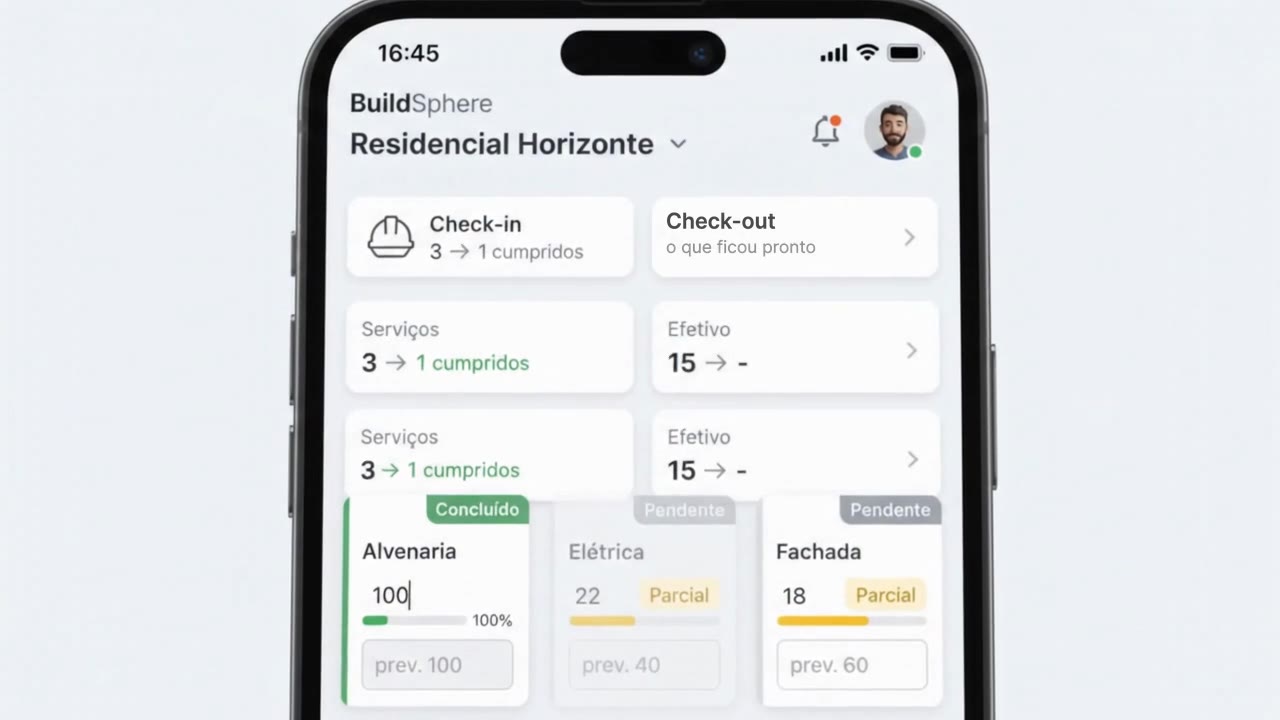 Watch the day on the phone · 10 sIllustration with demo data
Lost signal? The check-in, and the check-out measurement once it is open, are saved on the phone and upload when the connection comes back. Watch the recording, 34 s
The plan · the turnstile doesn't charge
Field crew members don't pay.
On the free plan, one person on the engineering team, one project and five people in the field, forever, no credit card. On every paid plan, the field is unlimited: you pay for the engineering team members, who sign in with the office login (on a computer or a phone), not for whoever goes through the turnstile.
On their own phone, workers complete the day's target with a photo, report problems, request material and send documents. The foreman marks who worked on each front. The app can sit on the home screen, with the “Acesso à Obra” (Site Access) icon.
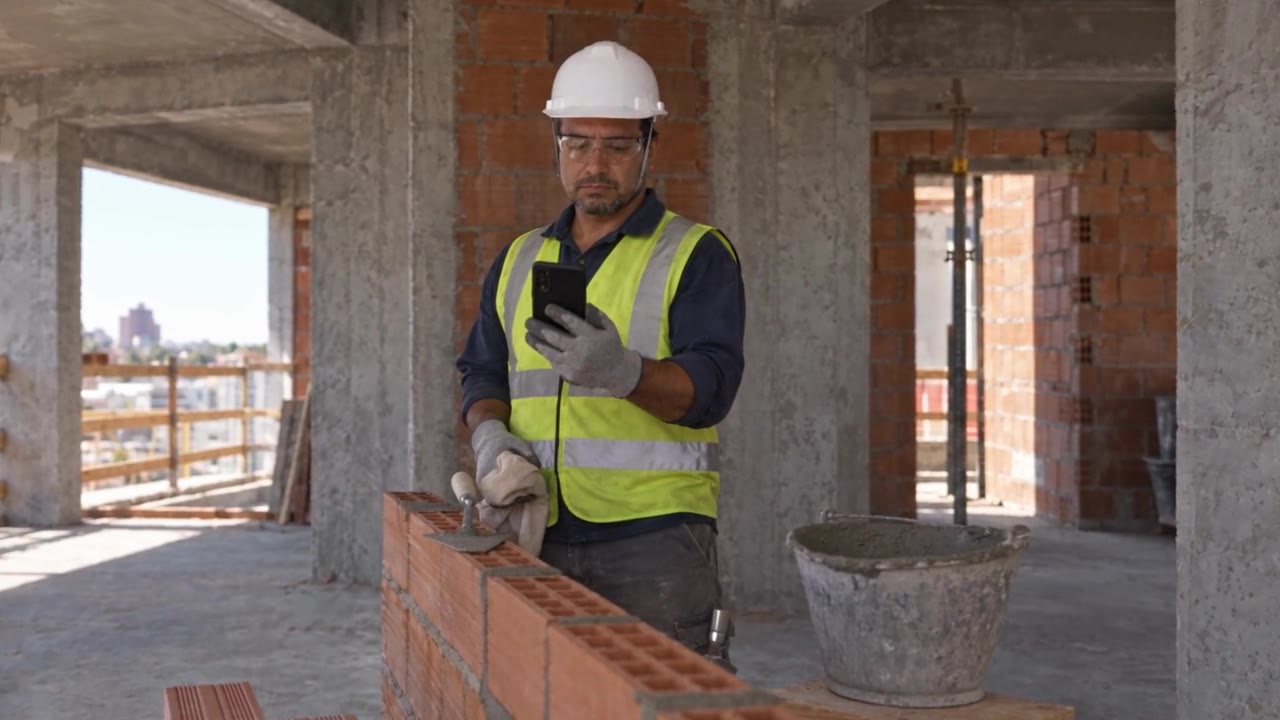 Watch the mason log his work and raise a warning · 23 sIllustration with demo data
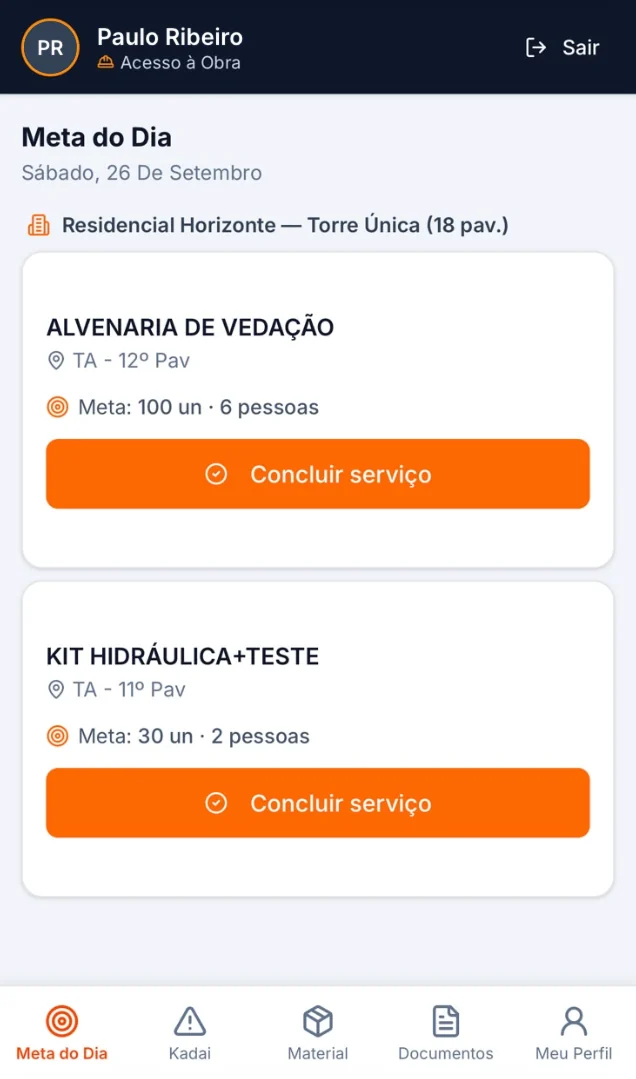
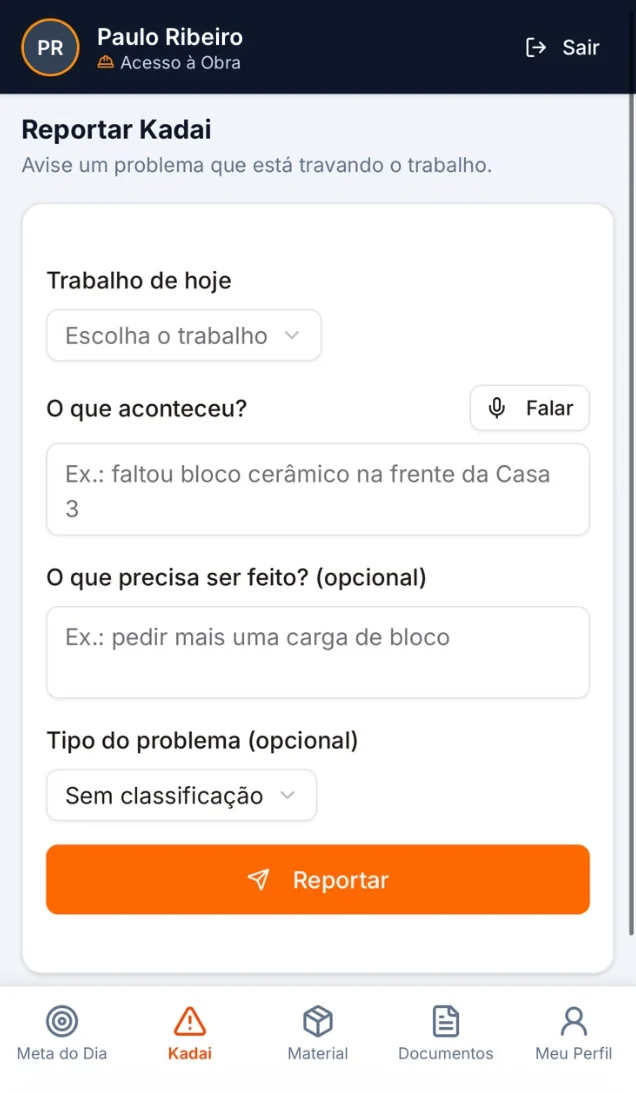
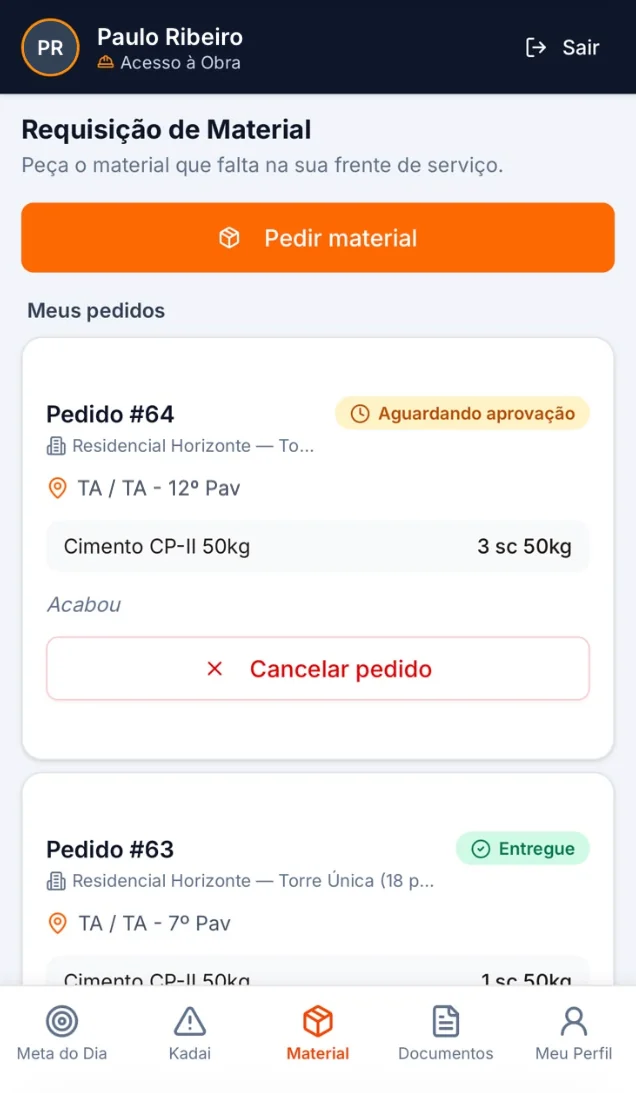
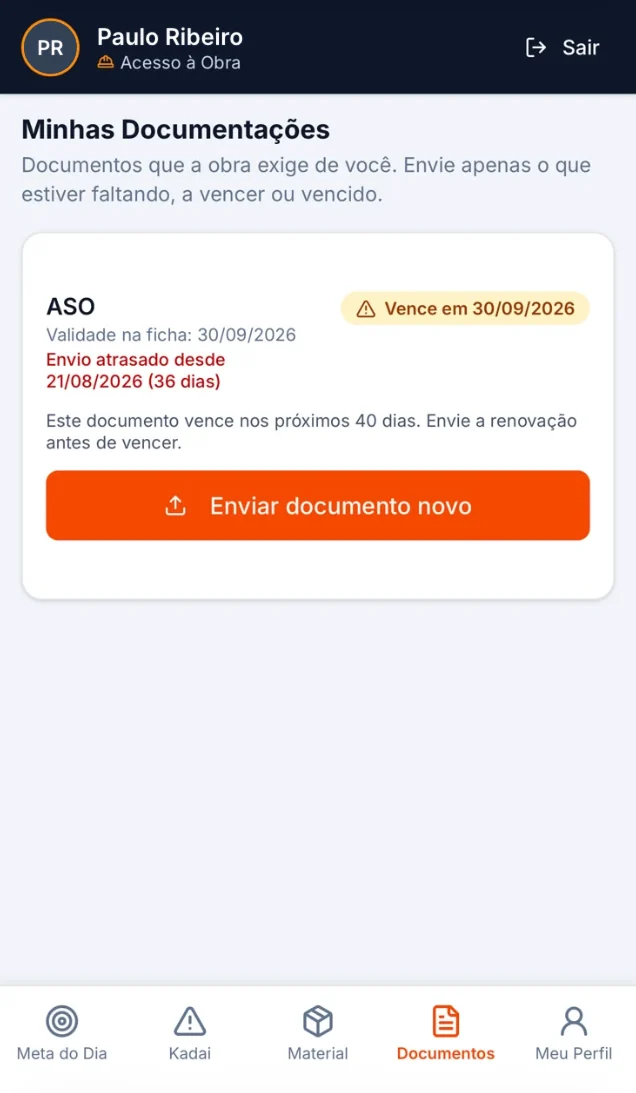
It's deliberate: the system only works if the people doing the work log it. That is why you can put the whole project on it without thinking about the cost of the field.
A contractor employee who only logs work in the field can also be marked as field: they swap the office login for field access and stop taking up a paid seat.
Quality · FVS and FVM on the phone
The subcontractor is paid for what quality approved.
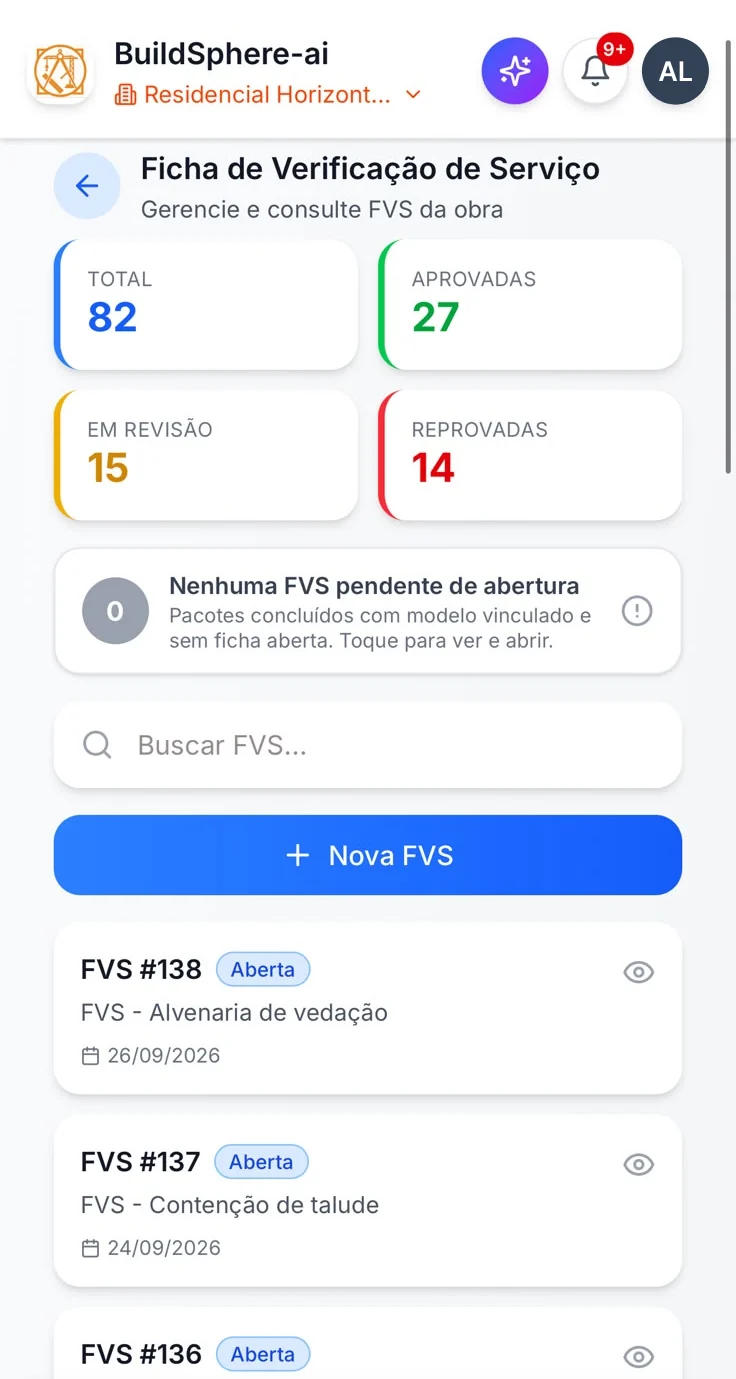
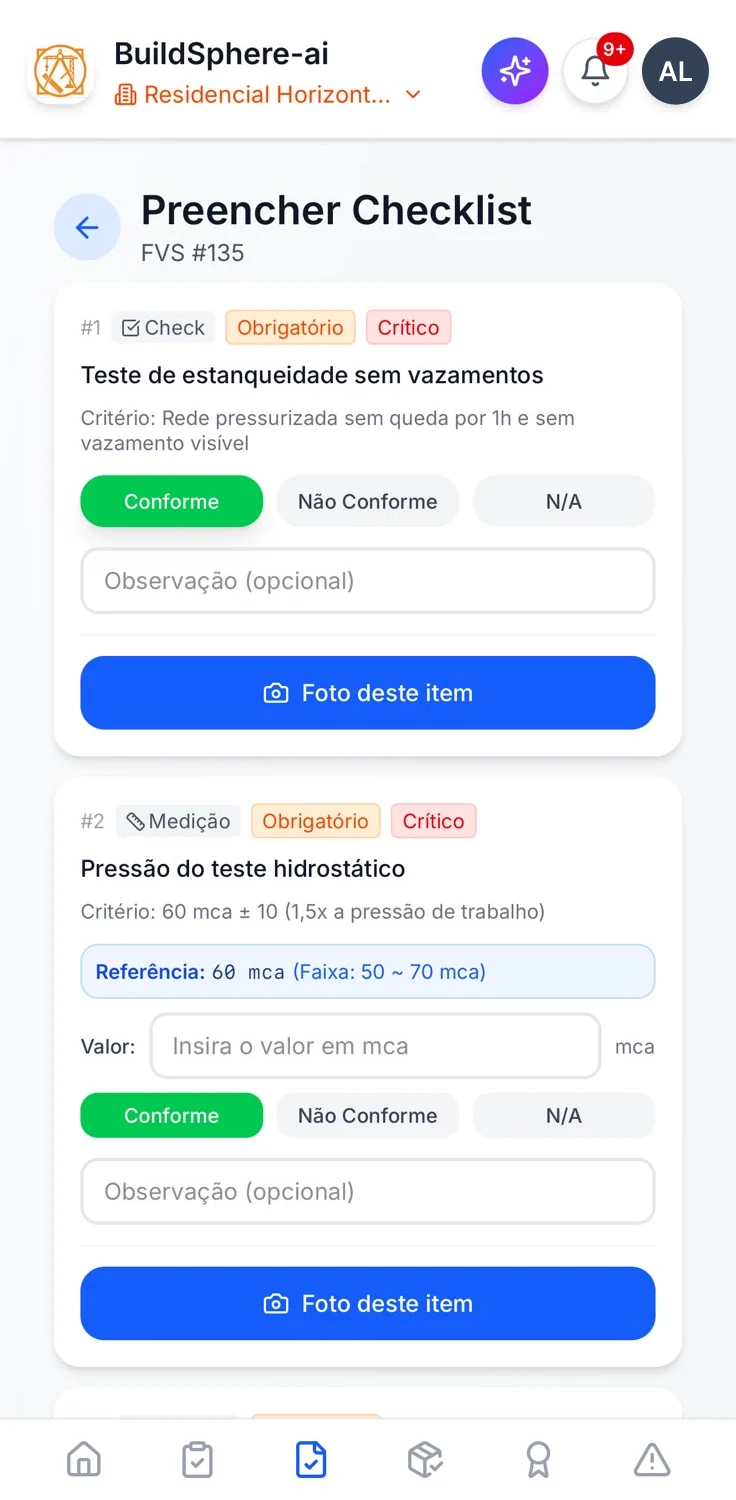
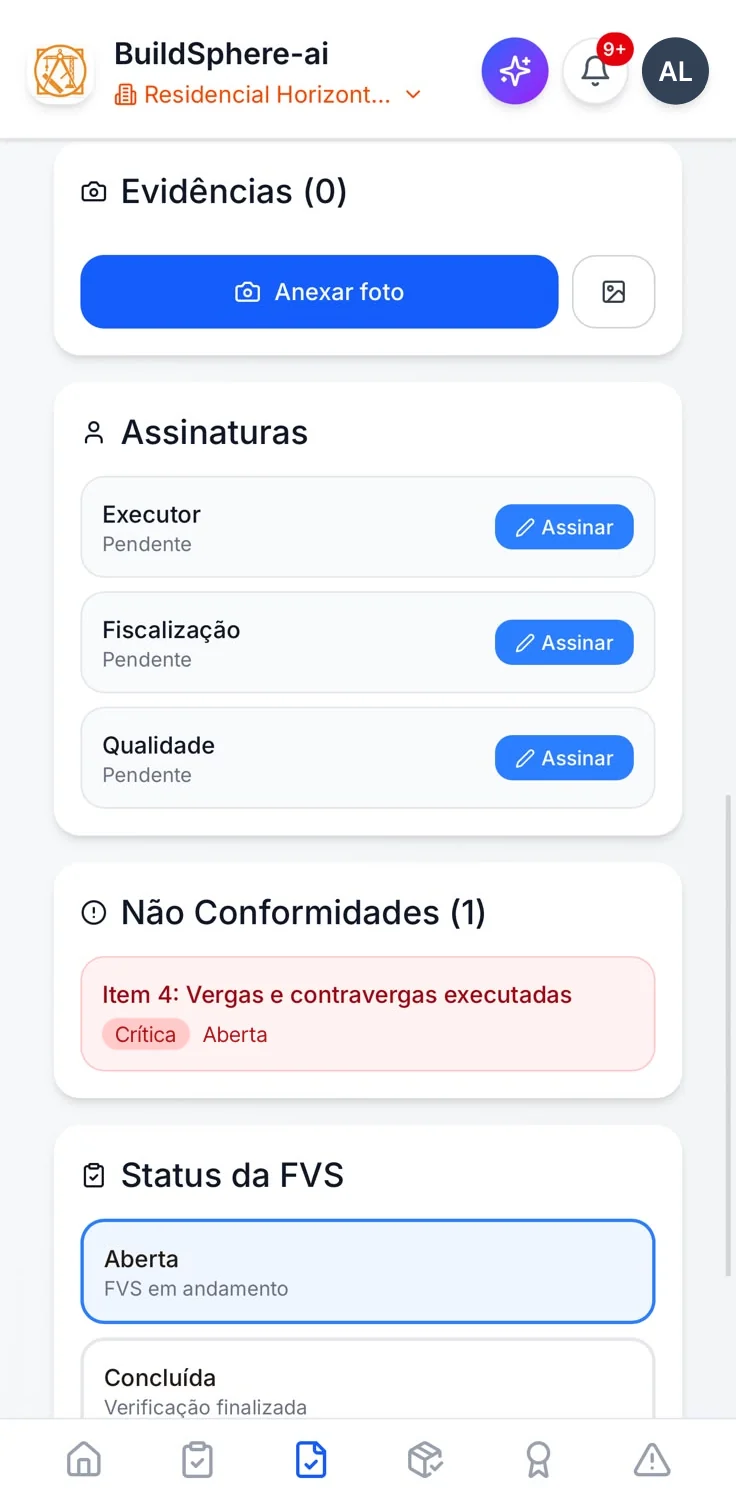
The service inspection form (FVS) and the material inspection form (FVM) are filled in on the phone, at the work front and when the load arrives. A non-conforming item immediately opens a non-conformance linked to the form, and its description can be dictated instead of typed (dictation needs a signal, and the app warns you before you speak).
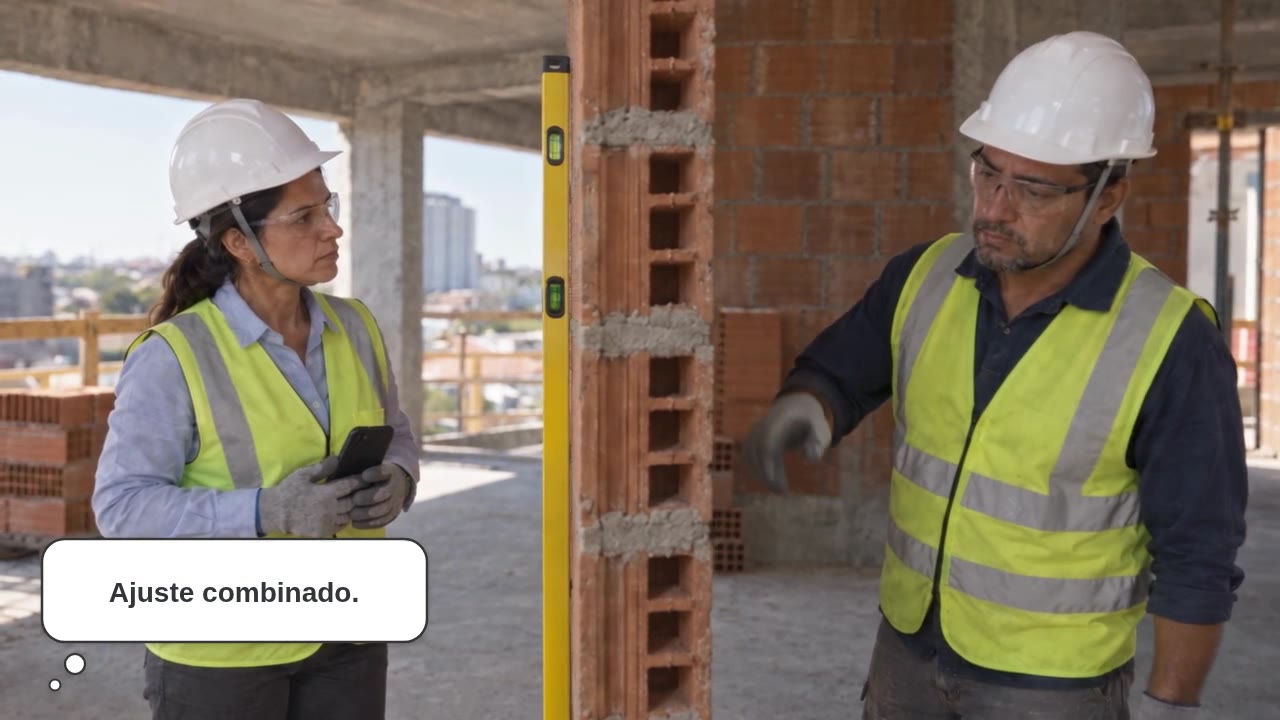 Watch the wall before sign-off · 23 sIllustration with demo data
In progress measurement, an activity with an open non-conformance is not measured, and no permission overrides that. Without a closed FVS, the payment application flags the activity, and the company decides in the access profile whether it can be measured that way. One hundred percent without an approved form is not one hundred percent.
Site gate · facial recognition
Does facial recognition store photos of my crew?
Only if the worker authorizes it. The registration photo is optional: if there is one, it is kept in the worker's record; if not, nothing is stored, and entry at the gate is cleared manually. At the gate, it is not the photo that does the identifying: recognition runs inside the browser on the device itself, the camera image is never uploaded anywhere, and the comparison is made against a vector of 128 numbers, which cannot be turned back into an image.
Even so, biometrics are sensitive data under the LGPD: using them requires each worker's consent and a retention policy. That is your obligation as the employer, and the system was designed to make it simple to comply with — not to get around it.
And the same gate blocks anyone with a pending or expired mandatory document — and, if the project chooses, anyone with pending or expired training.
Daily site report · RDO
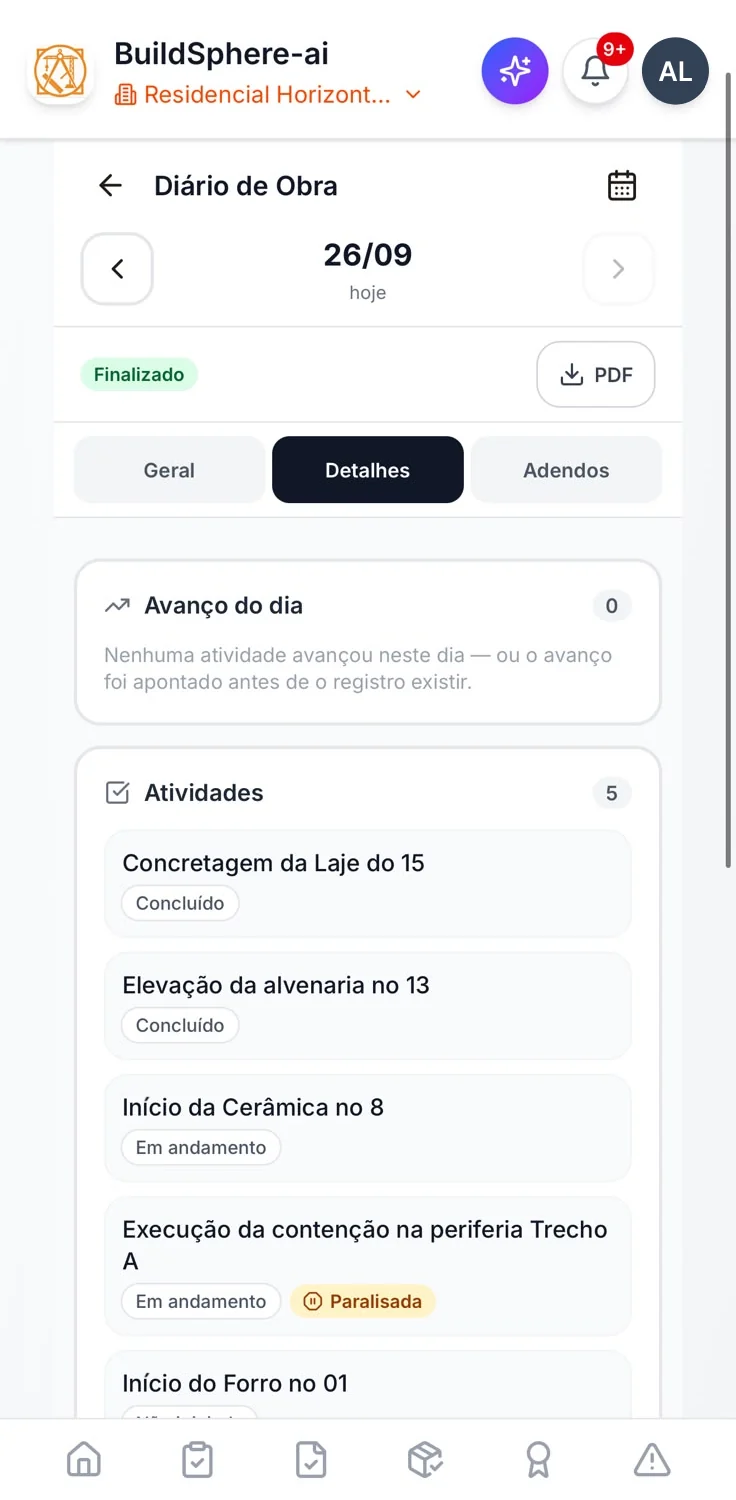
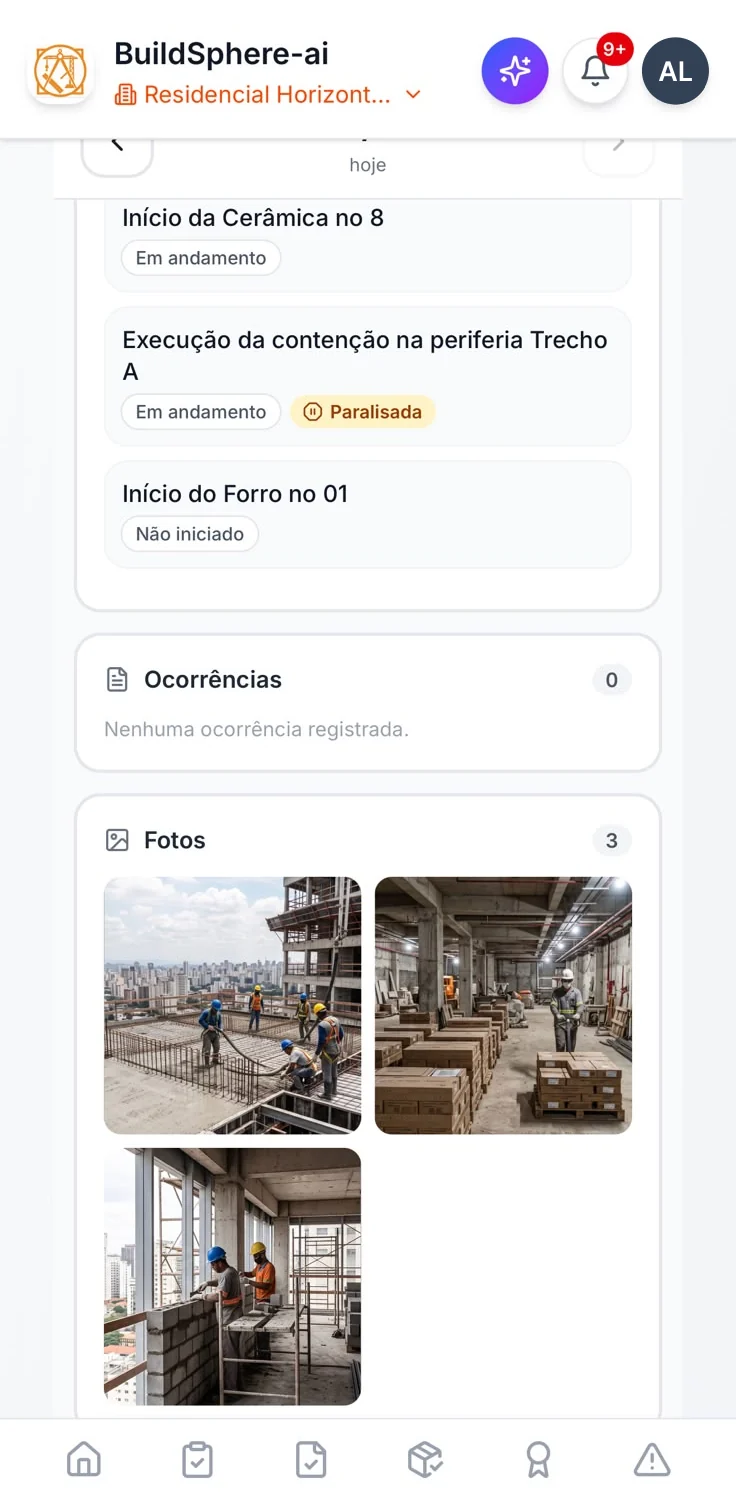
The RDO with the day's photos.
Weather, headcount, activities, incidents and photos, on the phone or the computer. The attendance list comes from the gate — whoever entered the site that day — and nobody types in attendance.
Once finalized, the report is sealed with an integrity code. After that, corrections are made only by addendum.
“Copy previous” brings in the labor by role, the equipment and the weather from the last report filled in. Attendance and photos don't come over: attendance belongs to the gate, and a photo is proof of the day.
 Watch the engineer close the day · 25 sIllustration with demo data
Get started · free, no credit card
Put the project on the phones of the people who build it.
One person on the engineering team, one project and five people in the field, free, no credit card, no expiration date. More than five? On every paid plan the field is unlimited and you pay only for engineering: on Canteiro, per month for one person, and less per person as the team grows.
The field crew can come in by spreadsheet: download the project template, fill it in and check the preview before importing.
The intelligent way to build as one